
Forget the days when printing your travel photos felt complicated and intimidating. You’ve captured stunning images from your journeys—now it’s time to bring them home as easy canvas prints that truly honor those moments. In this guide, you’ll learn how to create gallery-ready canvas wall art with confidence, from choosing the perfect image to mastering resolution and finishing touches. Welcome to a new way of turning your travel memories into lasting art. Explore community experiences with easy canvas prints here.
Capturing the Perfect Image
Creating stunning canvas wall art starts by capturing the perfect image. The choices you make during your travels set the foundation for an impressive canvas print that will transport you back to those moments.
Choosing the Right Travel Photo
The first step is selecting the right travel photo. Look for images that evoke emotion or tell a story. Scenic landscapes, candid street scenes, and vibrant wildlife shots are popular choices. Consider what memories you want to relive each time you see your canvas wall art. Perhaps it’s the breathtaking view from your Iceland photography trip or the vibrant life captured in an African safari. The key is to choose an image that resonates personally and visually.
Best Resolution for Canvas Prints
Resolution plays a crucial role in how your prints turn out. For canvas wall art, a resolution of at least 150 DPI is recommended. This ensures sharpness and detail when enlarged. Images from a modern smartphone or camera typically meet these requirements, but it’s always good to double-check. If you’re unsure, tools like Lightroom can help verify your image’s resolution. Remember, higher resolution means more detail, which results in a more striking and professional-looking canvas.
Color Calibration for Prints
Color accuracy is essential for creating prints that match your vision. To achieve this, ICC profiles for printing come into play. They ensure that colors remain consistent from screen to print. Before sending your images to the printer, calibrate your monitor using these profiles to match the printer’s settings. This process avoids unexpected color shifts and guarantees that your canvas prints reflect the true beauty of your original photos.
Preparing Your Image for Canvas
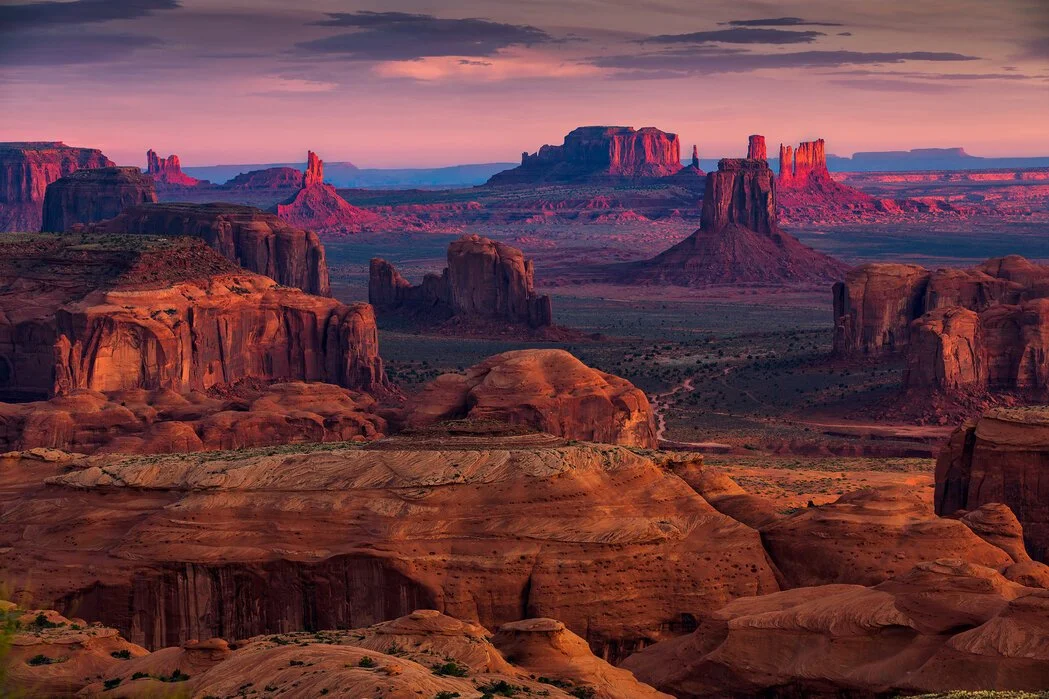
Now that you have a stunning image ready, it’s time to prepare it for canvas printing. This involves making sure the technical aspects are in place so the final product meets your expectations.
Lightroom Export for Canvas
To start, you’ll need to export your image correctly from Lightroom. Adjust settings specifically for canvas prints: select JPEG format for high quality, and ensure the resolution remains at least 150 DPI. When exporting, set the color space to sRGB, as this is commonly used for printing and ensures color consistency.
Sharpening for Canvas Prints
Sharpening is another vital step. When an image is enlarged for a canvas print, it may lose some detail. Lightroom offers sharpening tools that can enhance clarity without introducing noise. Focus on the edges to give your image a crisp finish. A good rule of thumb is to apply moderate sharpening, as excessive sharpening can lead to unwanted artifacts.
Gallery Wrap vs Mirror Edge
Deciding between a gallery wrap and a mirror edge is about how your image will extend over the canvas edges. A gallery wrap stretches your photo over the sides, creating a seamless look, ideal for images where the main subject isn’t too close to the edge. On the other hand, a mirror edge replicates and flips the edge of your image, preserving all details on the front. Consider the composition of your image and the space where you’ll hang the canvas.
Selecting Your Canvas Style
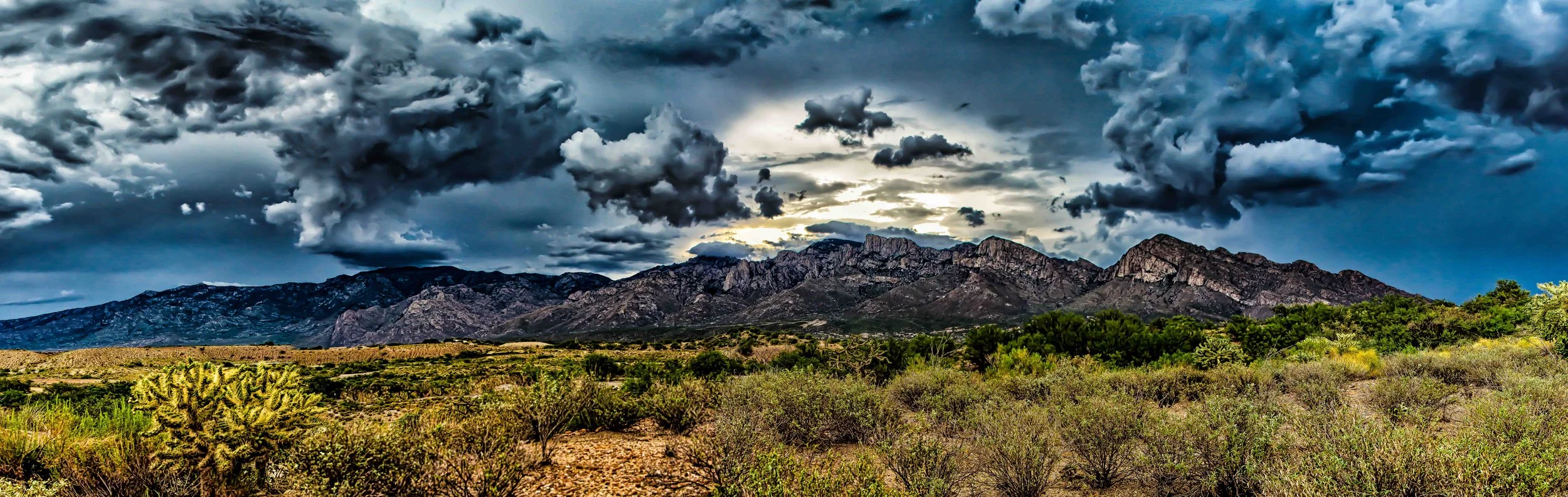
With your image prepped, the next decision is choosing the right canvas style. This choice affects how your art integrates into your space and how it complements the decor.
Canvas Size Guide and Depth
Choosing the right canvas size and depth is essential for creating an impactful display. Common depths include 1.5 inch canvas depth, which offers a substantial presence on the wall. For size, consider the space available and the image’s original dimensions. Larger sizes work well for landscapes and panoramic views, while smaller canvases suit intimate portraits or detailed shots.
Print Lab vs DIY
Deciding whether to use a print lab or DIY approach depends on your budget and expertise. Print labs offer professional quality and convenience, taking care of color calibration and finishing. They ensure that your canvas wall art is vibrant and long-lasting. On the other hand, a DIY approach can save costs and give you more control over the process, but it requires more effort and equipment. Evaluate your priorities and skills before making a choice.
Inspiration from Drive On Photography Destinations
For creative inspiration, look to past adventures with Drive On Photography. Our workshops have led travelers to locations that inspire breathtaking imagery, from the sweeping vistas of the American Southwest to the wildlife-rich landscapes of Tanzania. These destinations not only provide stunning photo opportunities but also enrich your travel experiences. For example, our African Safari Photography Tours offer unique moments that can transform into captivating wall art.
Frequently Asked Questions
How do I choose the right photo for a canvas print?
Select a photo that evokes emotion or tells a story. Consider landscapes, candid moments, or vivid wildlife scenes that you cherish and want to relive daily.
What resolution is needed for canvas prints?
A resolution of at least 150 DPI is recommended for canvas prints. This ensures the print maintains clarity and detail when enlarged.
What is the difference between gallery wrap and mirror edge?
A gallery wrap extends your image over the canvas edges, creating a continuous look. A mirror edge flips the image edge, preserving the main content on the front. Choose based on your image’s composition and preferred aesthetic.
Comment “Safari” for details on my Tanzania Photo Safari in 2027
Leave a Reply